
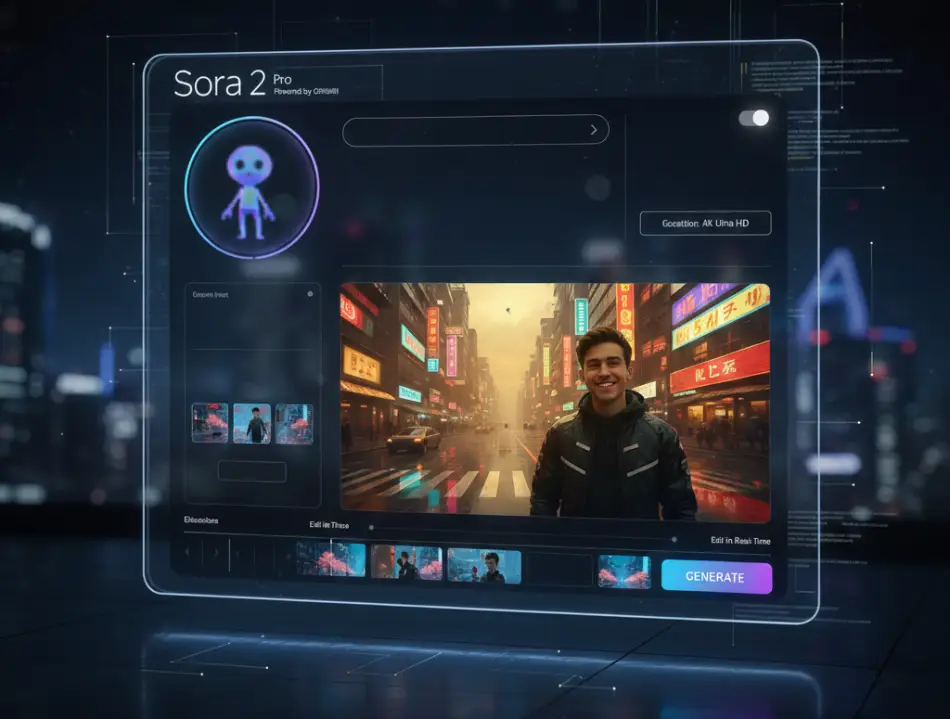
You click “Generate,” wait a minute, but instead of a cinematic masterpiece, you get a video where the hero has three arms and gravity follows the laws of surrealism? Don’t rush to blame the neural network. In 2026, Sora has become incredibly smart, but it still requires clear “director’s commands.” Here are the 5 most common mistakes that ruin your generations and simple ways to fix them.
1. Excessive Abstraction (Lack of Visual Details)
Mistake: “A happy person in the future.”
Why it doesn’t work: For AI, “happiness” and “the future” represent billions of possibilities. Sora might generate anything from a cartoon farmer to an abstract blob.
How to fix it: Describe physical manifestations.
Better: “A young man with a wide smile walks along a neon Tokyo sidewalk, squinting at bright signs, wearing a reflective jacket.”
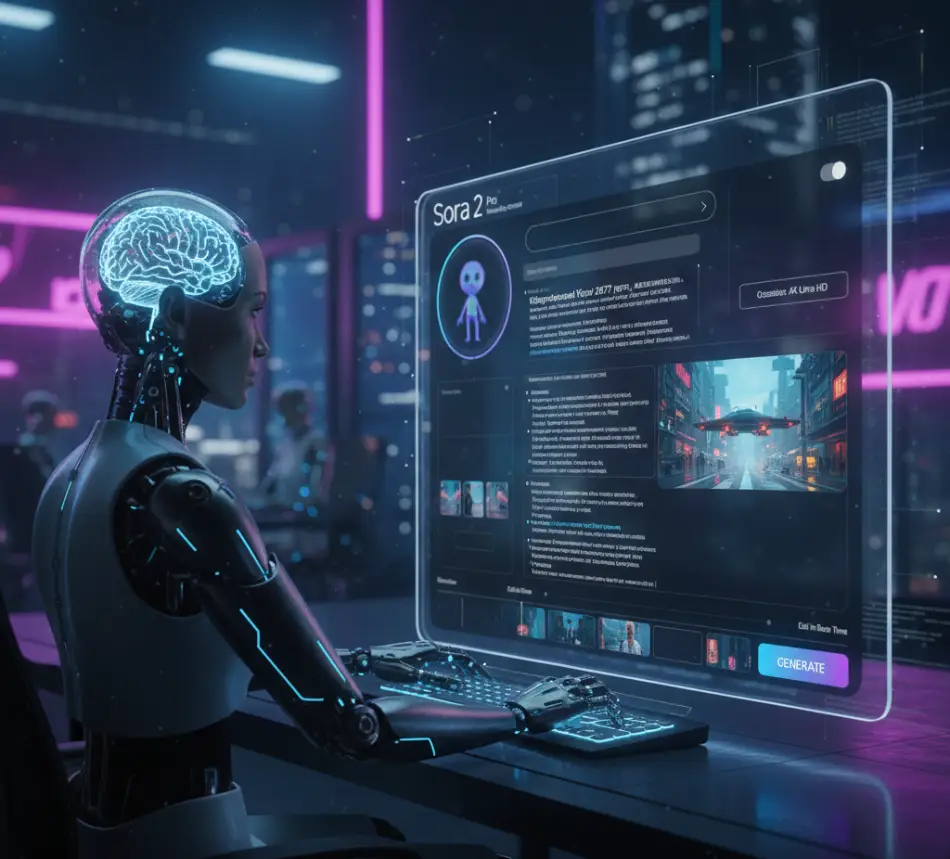
2. Ignoring Camera Parameters
Mistake: Describing only the object without specifying the angle.
Why it doesn’t work: By default, Sora might choose a boring static angle. This makes the video look like security camera footage.
How to fix it: Add cinematic terms.
Use: “Cinematic FPV drone shot,” “Extreme close-up,” “Handheld camera shake” (for realism).
3. Conflicting Physics
Mistake: “A person runs faster than a car, drinking coffee, while buildings explode all around.”
Why it doesn’t work: Sora 2 tries to adhere to the laws of physics. When you give too many contradictory dynamic actions in one sentence, the model “breaks,” creating visual artifacts.
How to fix it: One prompt – one main action. Use the Multi-Chaining feature (sequential scene generation) if you need a complex plot.
4. Lack of Lighting Description
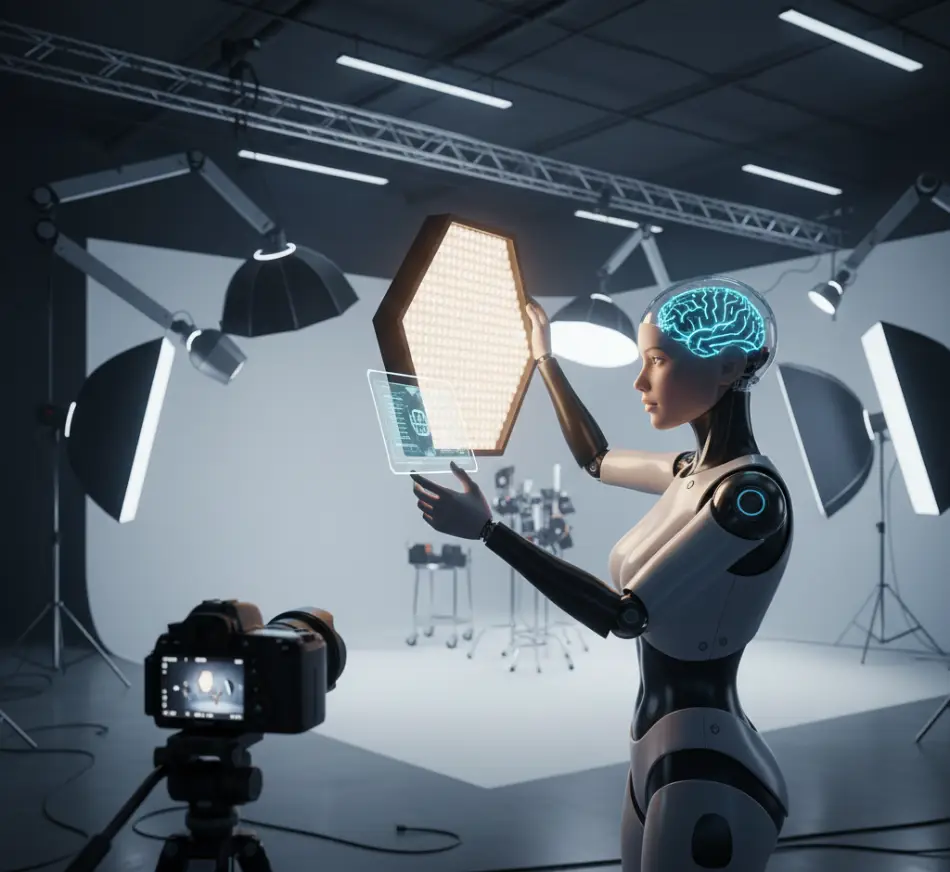
Mistake: Forgetting to specify the light source.
Why it doesn’t work: Light is what distinguishes a “cheap” AI video from realistic cinema. Without instructions, Sora often applies flat, “computer-like” lighting.
How to fix it: Add a description of the atmosphere.
Examples: “Golden hour lighting” (soft evening sun), “Volumetric cinematic fog” (light beams through fog), “Cyberpunk neon reflections on wet asphalt.”
5. Incorrect Use of Negative Descriptions
Mistake: Trying to say “no distortions” or “not ugly” directly in the main text.
Why it doesn’t work: Text models sometimes ignore the particle “not.” By writing “no rain,” you might get a downpour because the word “rain” becomes a keyword.
How to fix it: In 2026, Sora has a separate field for Negative Prompts. If it is unavailable, focus on what should be in the frame (for example, instead of “not gloomy,” write “bright sunlight”).
The Golden Prompt Formula for Sora: [Subject] + [Action] + [Environment] + [Lighting] + [Camera Style and Lens]
Editorial Tip: Always specify the material of surfaces. Words like “metallic” or “velvety” force Sora to activate advanced light reflection algorithms, which instantly boosts video quality significantly.

Leave a Reply